


Page 57 - JavaScript
P. 57
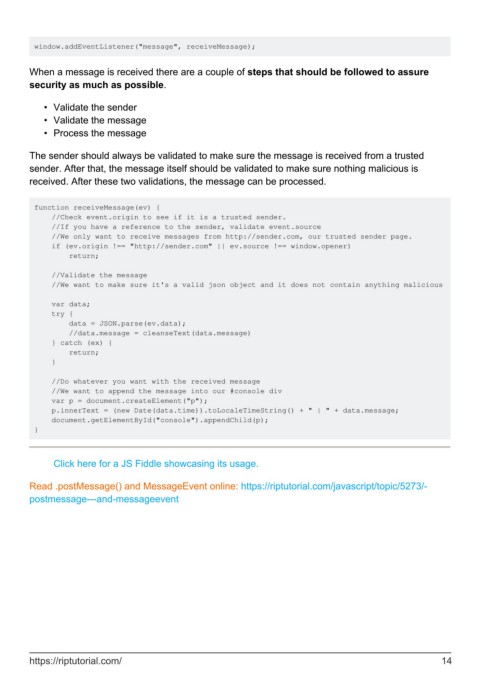
window.addEventListener("message", receiveMessage);


        When a message is received there are a couple of steps that should be followed to assure
        security as much as possible.


            •  Validate the sender
            •  Validate the message
            •  Process the message


        The sender should always be validated to make sure the message is received from a trusted
        sender. After that, the message itself should be validated to make sure nothing malicious is
        received. After these two validations, the message can be processed.


         function receiveMessage(ev) {
             //Check event.origin to see if it is a trusted sender.
             //If you have a reference to the sender, validate event.source
             //We only want to receive messages from http://sender.com, our trusted sender page.
             if (ev.origin !== "http://sender.com" || ev.source !== window.opener)
                 return;

             //Validate the message
             //We want to make sure it's a valid json object and it does not contain anything malicious

             var data;
             try {
                 data = JSON.parse(ev.data);
                 //data.message = cleanseText(data.message)
             } catch (ex) {
                 return;
             }

             //Do whatever you want with the received message
             //We want to append the message into our #console div
             var p = document.createElement("p");
             p.innerText = (new Date(data.time)).toLocaleTimeString() + " | " + data.message;
             document.getElementById("console").appendChild(p);
         }


              Click here for a JS Fiddle showcasing its usage.


        Read .postMessage() and MessageEvent online: https://riptutorial.com/javascript/topic/5273/-
        postmessage---and-messageevent


        https://riptutorial.com/                                                                               14

