


Page 61 - JavaScript
P. 61
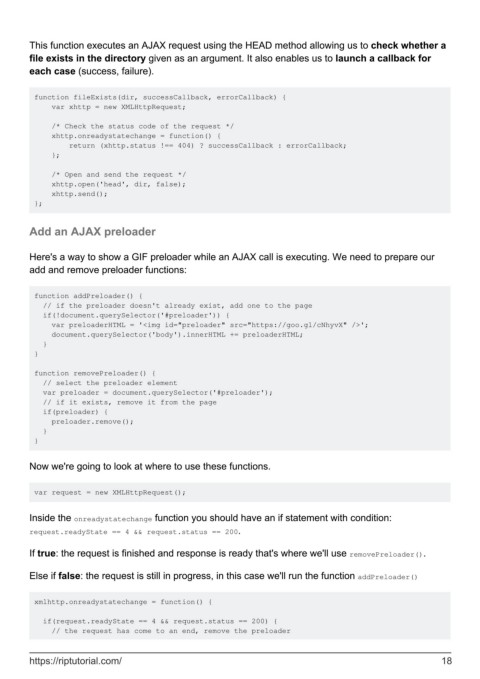
This function executes an AJAX request using the HEAD method allowing us to check whether a
        file exists in the directory given as an argument. It also enables us to launch a callback for
        each case (success, failure).


         function fileExists(dir, successCallback, errorCallback) {
             var xhttp = new XMLHttpRequest;

             /* Check the status code of the request */
             xhttp.onreadystatechange = function() {
                 return (xhttp.status !== 404) ? successCallback : errorCallback;
             };

             /* Open and send the request */
             xhttp.open('head', dir, false);
             xhttp.send();
         };


        Add an AJAX preloader


        Here's a way to show a GIF preloader while an AJAX call is executing. We need to prepare our
        add and remove preloader functions:


         function addPreloader() {
           // if the preloader doesn't already exist, add one to the page
           if(!document.querySelector('#preloader')) {
             var preloaderHTML = '<img id="preloader" src="https://goo.gl/cNhyvX" />';
             document.querySelector('body').innerHTML += preloaderHTML;
           }
         }

         function removePreloader() {
           // select the preloader element
           var preloader = document.querySelector('#preloader');
           // if it exists, remove it from the page
           if(preloader) {
             preloader.remove();
           }
         }


        Now we're going to look at where to use these functions.


         var request = new XMLHttpRequest();


        Inside the onreadystatechange function you should have an if statement with condition:
        request.readyState == 4 && request.status == 200.

        If true: the request is finished and response is ready that's where we'll use removePreloader().


        Else if false: the request is still in progress, in this case we'll run the function addPreloader()


         xmlhttp.onreadystatechange = function() {

           if(request.readyState == 4 && request.status == 200) {
             // the request has come to an end, remove the preloader


        https://riptutorial.com/                                                                               18

