


Page 54 - JavaScript
P. 54
like deleting something in a Control Panel:


         if(window.confirm("Are you sure you want to delete this?")) {
             deleteItem(itemId);
         }


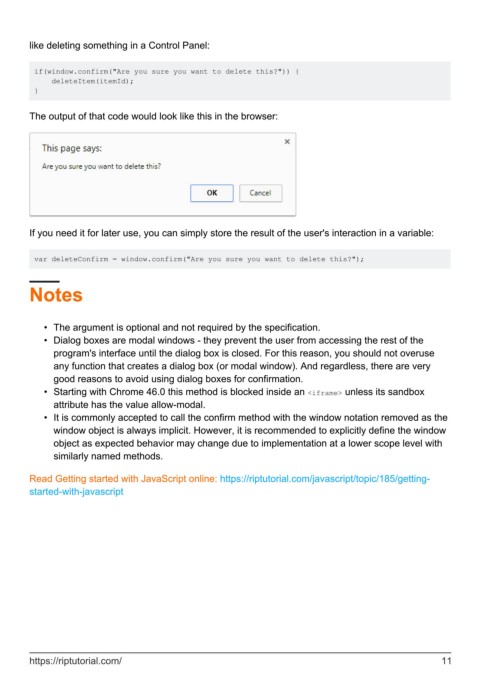
        The output of that code would look like this in the browser:


        If you need it for later use, you can simply store the result of the user's interaction in a variable:


         var deleteConfirm = window.confirm("Are you sure you want to delete this?");


        Notes


            •  The argument is optional and not required by the specification.
            •  Dialog boxes are modal windows - they prevent the user from accessing the rest of the
              program's interface until the dialog box is closed. For this reason, you should not overuse
              any function that creates a dialog box (or modal window). And regardless, there are very
              good reasons to avoid using dialog boxes for confirmation.
            •  Starting with Chrome 46.0 this method is blocked inside an <iframe> unless its sandbox
              attribute has the value allow-modal.
            •  It is commonly accepted to call the confirm method with the window notation removed as the
              window object is always implicit. However, it is recommended to explicitly define the window
              object as expected behavior may change due to implementation at a lower scope level with
              similarly named methods.


        Read Getting started with JavaScript online: https://riptutorial.com/javascript/topic/185/getting-
        started-with-javascript


        https://riptutorial.com/                                                                               11

