


Page 52 - JavaScript
P. 52
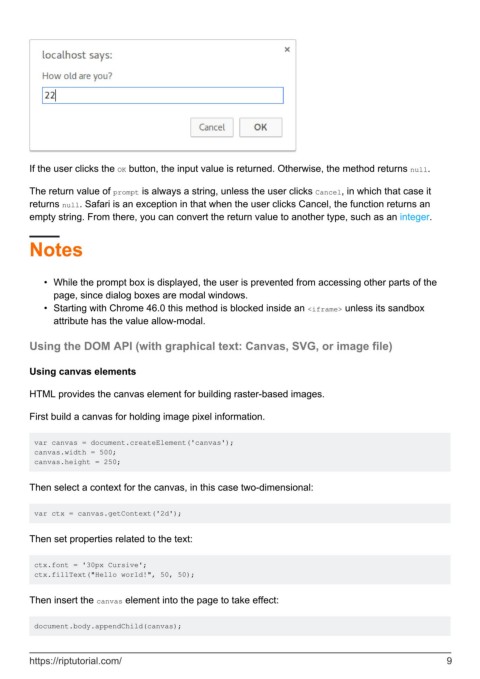
If the user clicks the OK button, the input value is returned. Otherwise, the method returns null.

        The return value of prompt is always a string, unless the user clicks Cancel, in which that case it
        returns null. Safari is an exception in that when the user clicks Cancel, the function returns an
        empty string. From there, you can convert the return value to another type, such as an integer.


        Notes


            •  While the prompt box is displayed, the user is prevented from accessing other parts of the
              page, since dialog boxes are modal windows.
            •  Starting with Chrome 46.0 this method is blocked inside an <iframe> unless its sandbox
              attribute has the value allow-modal.


        Using the DOM API (with graphical text: Canvas, SVG, or image file)


        Using canvas elements

        HTML provides the canvas element for building raster-based images.


        First build a canvas for holding image pixel information.


         var canvas = document.createElement('canvas');
         canvas.width = 500;
         canvas.height = 250;


        Then select a context for the canvas, in this case two-dimensional:


         var ctx = canvas.getContext('2d');


        Then set properties related to the text:


         ctx.font = '30px Cursive';
         ctx.fillText("Hello world!", 50, 50);


        Then insert the canvas element into the page to take effect:


         document.body.appendChild(canvas);


        https://riptutorial.com/                                                                                9

