


Page 89 - JavaScript
P. 89
['one', 'two', 'three', 'four'].map(function(value, index, arr) {
           return value.length;
         });
         // → [3, 3, 5, 4]


        6

         ['one', 'two', 'three', 'four'].map(value => value.length);
         // → [3, 3, 5, 4]


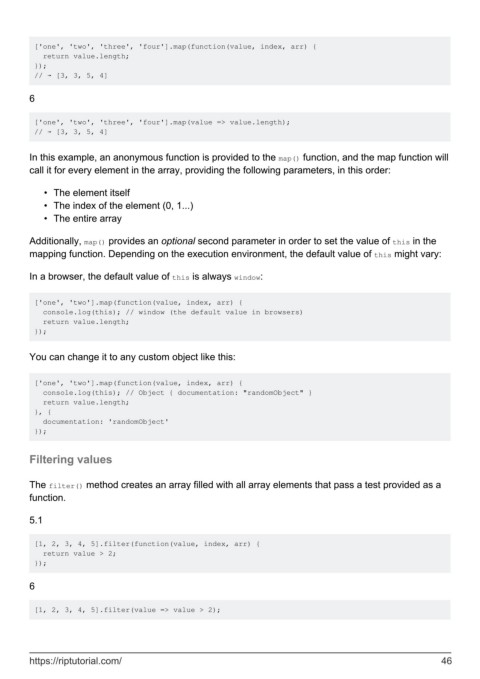
        In this example, an anonymous function is provided to the map() function, and the map function will
        call it for every element in the array, providing the following parameters, in this order:

            •  The element itself
            •  The index of the element (0, 1...)
            •  The entire array


        Additionally, map() provides an optional second parameter in order to set the value of this in the
        mapping function. Depending on the execution environment, the default value of this might vary:

        In a browser, the default value of this is always window:


         ['one', 'two'].map(function(value, index, arr) {
           console.log(this); // window (the default value in browsers)
           return value.length;
         });


        You can change it to any custom object like this:


         ['one', 'two'].map(function(value, index, arr) {
           console.log(this); // Object { documentation: "randomObject" }
           return value.length;
         }, {
           documentation: 'randomObject'
         });


        Filtering values


        The filter() method creates an array filled with all array elements that pass a test provided as a
        function.

        5.1


         [1, 2, 3, 4, 5].filter(function(value, index, arr) {
           return value > 2;
         });

        6


         [1, 2, 3, 4, 5].filter(value => value > 2);


        https://riptutorial.com/                                                                               46

