


Page 88 - JavaScript
P. 88
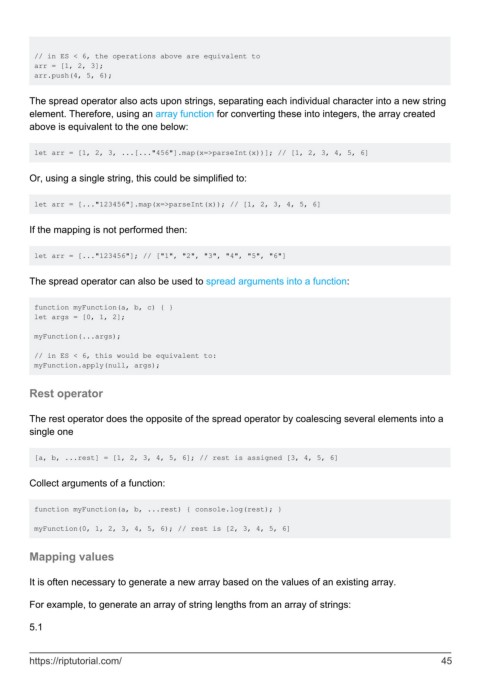
// in ES < 6, the operations above are equivalent to
         arr = [1, 2, 3];
         arr.push(4, 5, 6);


        The spread operator also acts upon strings, separating each individual character into a new string
        element. Therefore, using an array function for converting these into integers, the array created
        above is equivalent to the one below:


         let arr = [1, 2, 3, ...[..."456"].map(x=>parseInt(x))]; // [1, 2, 3, 4, 5, 6]


        Or, using a single string, this could be simplified to:


         let arr = [..."123456"].map(x=>parseInt(x)); // [1, 2, 3, 4, 5, 6]


        If the mapping is not performed then:


         let arr = [..."123456"]; // ["1", "2", "3", "4", "5", "6"]


        The spread operator can also be used to spread arguments into a function:


         function myFunction(a, b, c) { }
         let args = [0, 1, 2];

         myFunction(...args);

         // in ES < 6, this would be equivalent to:
         myFunction.apply(null, args);


        Rest operator


        The rest operator does the opposite of the spread operator by coalescing several elements into a
        single one


         [a, b, ...rest] = [1, 2, 3, 4, 5, 6]; // rest is assigned [3, 4, 5, 6]


        Collect arguments of a function:


         function myFunction(a, b, ...rest) { console.log(rest); }

         myFunction(0, 1, 2, 3, 4, 5, 6); // rest is [2, 3, 4, 5, 6]


        Mapping values


        It is often necessary to generate a new array based on the values of an existing array.

        For example, to generate an array of string lengths from an array of strings:


        5.1


        https://riptutorial.com/                                                                               45

