


Page 151 - JavaScript
P. 151
byteView[3] = 0x08;
         console.log(floatView); // [6.64421383e-316]


        ArrayBuffers can be copied using the .slice(...) method, either directly or through a TypedArray
        view.


         var byteView2 = byteView.slice();
         var floatView2 = new Float64Array(byteView2.buffer);
         byteView2[6] = 0xFF;
         console.log(floatView);  // [6.64421383e-316]
         console.log(floatView2); // [7.06327456e-304]


        Getting binary representation of an image file


        This example is inspired by this question.


        We'll assume you know how to load a file using the File API.


         // preliminary code to handle getting local file and finally printing to console
         // the results of our function ArrayBufferToBinary().
         var file = // get handle to local file.
         var reader = new FileReader();
         reader.onload = function(event) {
             var data = event.target.result;
             console.log(ArrayBufferToBinary(data));
         };
         reader.readAsArrayBuffer(file); //gets an ArrayBuffer of the file


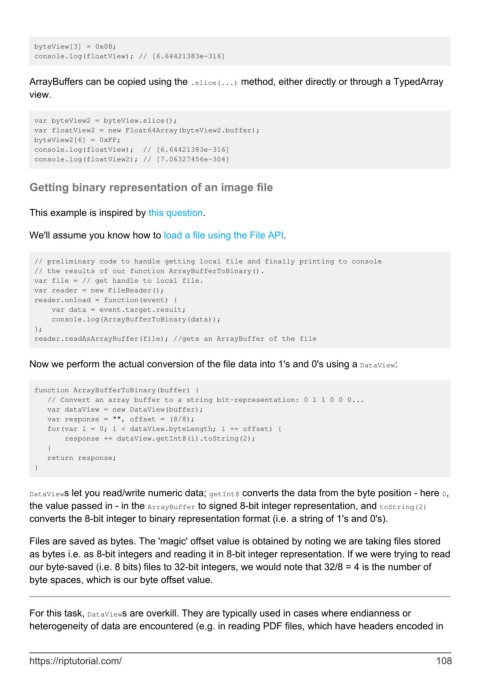
        Now we perform the actual conversion of the file data into 1's and 0's using a DataView:


         function ArrayBufferToBinary(buffer) {
            // Convert an array buffer to a string bit-representation: 0 1 1 0 0 0...
            var dataView = new DataView(buffer);
            var response = "", offset = (8/8);
            for(var i = 0; i < dataView.byteLength; i += offset) {
                response += dataView.getInt8(i).toString(2);
            }
            return response;
         }


        DataViews let you read/write numeric data; getInt8 converts the data from the byte position - here 0,
        the value passed in - in the ArrayBuffer to signed 8-bit integer representation, and toString(2)
        converts the 8-bit integer to binary representation format (i.e. a string of 1's and 0's).

        Files are saved as bytes. The 'magic' offset value is obtained by noting we are taking files stored
        as bytes i.e. as 8-bit integers and reading it in 8-bit integer representation. If we were trying to read
        our byte-saved (i.e. 8 bits) files to 32-bit integers, we would note that 32/8 = 4 is the number of
        byte spaces, which is our byte offset value.


        For this task, DataViews are overkill. They are typically used in cases where endianness or
        heterogeneity of data are encountered (e.g. in reading PDF files, which have headers encoded in


        https://riptutorial.com/                                                                             108

