


Page 146 - JavaScript
P. 146
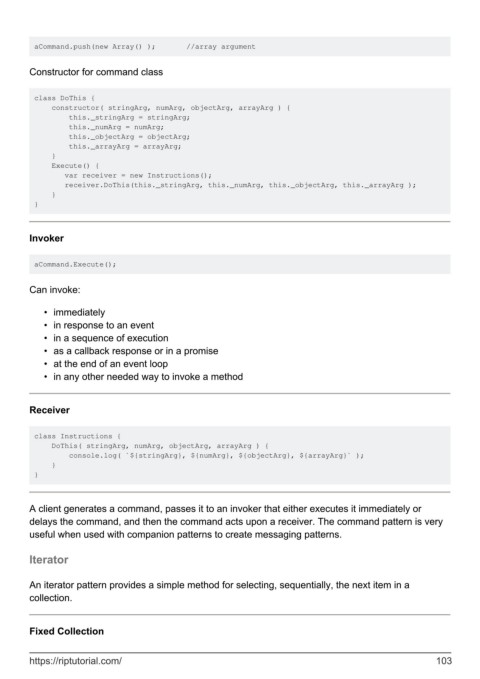
aCommand.push(new Array() );       //array argument


        Constructor for command class


         class DoThis {
             constructor( stringArg, numArg, objectArg, arrayArg ) {
                 this._stringArg = stringArg;
                 this._numArg = numArg;
                 this._objectArg = objectArg;
                 this._arrayArg = arrayArg;
             }
             Execute() {
                var receiver = new Instructions();
                receiver.DoThis(this._stringArg, this._numArg, this._objectArg, this._arrayArg );
             }
         }


        Invoker


         aCommand.Execute();


        Can invoke:


            •  immediately
            •  in response to an event
            •  in a sequence of execution
            •  as a callback response or in a promise
            •  at the end of an event loop
            •  in any other needed way to invoke a method


        Receiver


         class Instructions {
             DoThis( stringArg, numArg, objectArg, arrayArg ) {
                 console.log( `${stringArg}, ${numArg}, ${objectArg}, ${arrayArg}` );
             }
         }


        A client generates a command, passes it to an invoker that either executes it immediately or
        delays the command, and then the command acts upon a receiver. The command pattern is very
        useful when used with companion patterns to create messaging patterns.


        Iterator


        An iterator pattern provides a simple method for selecting, sequentially, the next item in a
        collection.


        Fixed Collection


        https://riptutorial.com/                                                                             103

