


Page 150 - JavaScript
P. 150
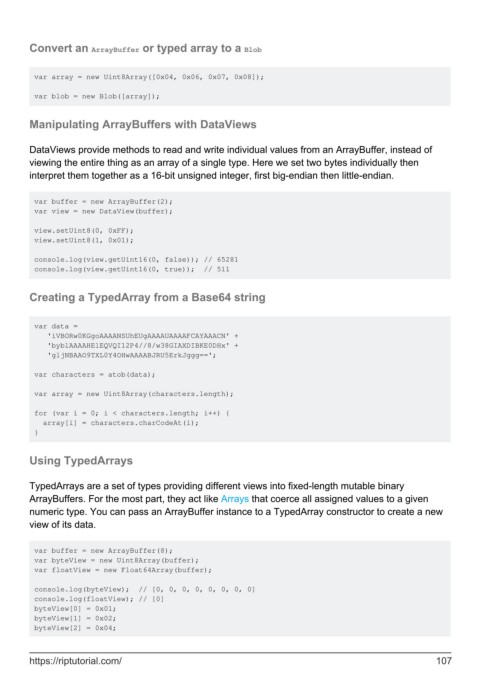
Convert an ArrayBuffer or typed array to a Blob


         var array = new Uint8Array([0x04, 0x06, 0x07, 0x08]);

         var blob = new Blob([array]);


        Manipulating ArrayBuffers with DataViews


        DataViews provide methods to read and write individual values from an ArrayBuffer, instead of
        viewing the entire thing as an array of a single type. Here we set two bytes individually then
        interpret them together as a 16-bit unsigned integer, first big-endian then little-endian.


         var buffer = new ArrayBuffer(2);
         var view = new DataView(buffer);

         view.setUint8(0, 0xFF);
         view.setUint8(1, 0x01);

         console.log(view.getUint16(0, false)); // 65281
         console.log(view.getUint16(0, true));  // 511


        Creating a TypedArray from a Base64 string


         var data =
            'iVBORw0KGgoAAAANSUhEUgAAAAUAAAAFCAYAAACN' +
            'byblAAAAHElEQVQI12P4//8/w38GIAXDIBKE0DHx' +
            'gljNBAAO9TXL0Y4OHwAAAABJRU5ErkJggg==';

         var characters = atob(data);

         var array = new Uint8Array(characters.length);

         for (var i = 0; i < characters.length; i++) {
           array[i] = characters.charCodeAt(i);
         }


        Using TypedArrays


        TypedArrays are a set of types providing different views into fixed-length mutable binary
        ArrayBuffers. For the most part, they act like Arrays that coerce all assigned values to a given
        numeric type. You can pass an ArrayBuffer instance to a TypedArray constructor to create a new
        view of its data.


         var buffer = new ArrayBuffer(8);
         var byteView = new Uint8Array(buffer);
         var floatView = new Float64Array(buffer);

         console.log(byteView);  // [0, 0, 0, 0, 0, 0, 0, 0]
         console.log(floatView); // [0]
         byteView[0] = 0x01;
         byteView[1] = 0x02;
         byteView[2] = 0x04;


        https://riptutorial.com/                                                                             107

