


Page 131 - JavaScript
P. 131
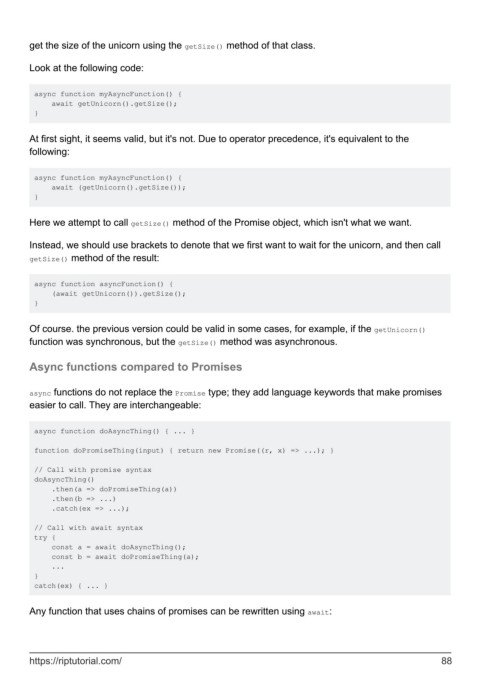
get the size of the unicorn using the getSize() method of that class.


        Look at the following code:


         async function myAsyncFunction() {
             await getUnicorn().getSize();
         }


        At first sight, it seems valid, but it's not. Due to operator precedence, it's equivalent to the
        following:


         async function myAsyncFunction() {
             await (getUnicorn().getSize());
         }


        Here we attempt to call getSize() method of the Promise object, which isn't what we want.

        Instead, we should use brackets to denote that we first want to wait for the unicorn, and then call
        getSize() method of the result:


         async function asyncFunction() {
             (await getUnicorn()).getSize();
         }


        Of course. the previous version could be valid in some cases, for example, if the getUnicorn()
        function was synchronous, but the getSize() method was asynchronous.


        Async functions compared to Promises


        async functions do not replace the Promise type; they add language keywords that make promises
        easier to call. They are interchangeable:


         async function doAsyncThing() { ... }

         function doPromiseThing(input) { return new Promise((r, x) => ...); }

         // Call with promise syntax
         doAsyncThing()
             .then(a => doPromiseThing(a))
             .then(b => ...)
             .catch(ex => ...);

         // Call with await syntax
         try {
             const a = await doAsyncThing();
             const b = await doPromiseThing(a);
             ...
         }
         catch(ex) { ... }


        Any function that uses chains of promises can be rewritten using await:


        https://riptutorial.com/                                                                               88

