


Page 130 - JavaScript
P. 130
return await response.json();
             }
             catch (err) {
                 // Rejections in the promise will get thrown here
                 console.error(err.message);
             }
         }


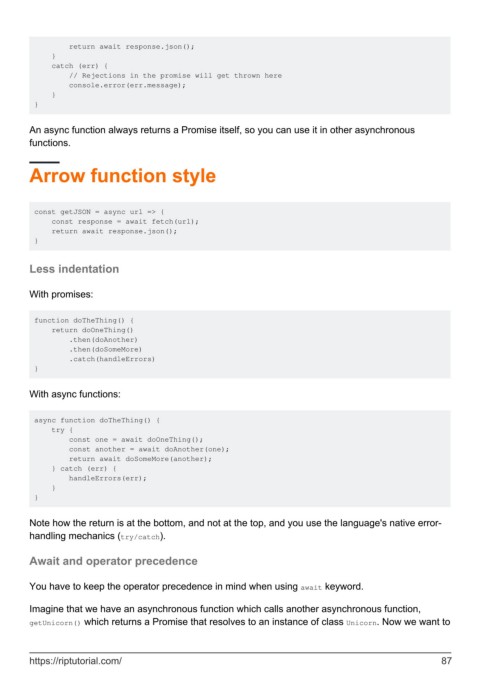
        An async function always returns a Promise itself, so you can use it in other asynchronous
        functions.


        Arrow function style


         const getJSON = async url => {
             const response = await fetch(url);
             return await response.json();
         }


        Less indentation


        With promises:


         function doTheThing() {
             return doOneThing()
                 .then(doAnother)
                 .then(doSomeMore)
                 .catch(handleErrors)
         }


        With async functions:


         async function doTheThing() {
             try {
                 const one = await doOneThing();
                 const another = await doAnother(one);
                 return await doSomeMore(another);
             } catch (err) {
                 handleErrors(err);
             }
         }


        Note how the return is at the bottom, and not at the top, and you use the language's native error-
        handling mechanics (try/catch).


        Await and operator precedence


        You have to keep the operator precedence in mind when using await keyword.


        Imagine that we have an asynchronous function which calls another asynchronous function,
        getUnicorn() which returns a Promise that resolves to an instance of class Unicorn. Now we want to


        https://riptutorial.com/                                                                               87

