


Page 46 - JavaScript
P. 46
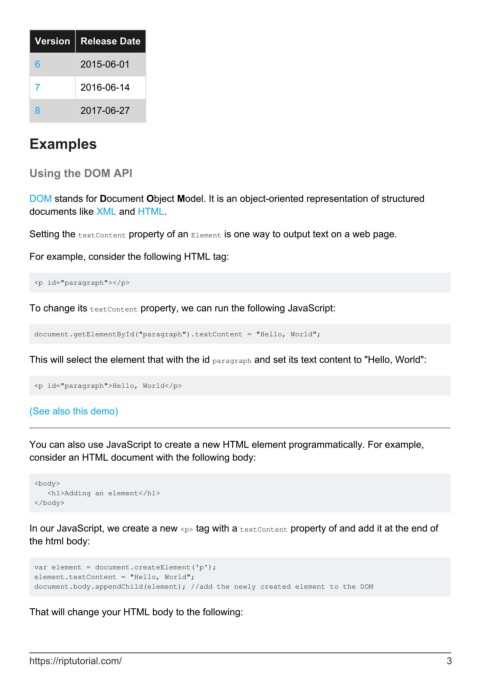
Version    Release Date

          6          2015-06-01


          7          2016-06-14

          8          2017-06-27


        Examples


        Using the DOM API


        DOM stands for Document Object Model. It is an object-oriented representation of structured
        documents like XML and HTML.


        Setting the textContent property of an Element is one way to output text on a web page.

        For example, consider the following HTML tag:


         <p id="paragraph"></p>


        To change its textContent property, we can run the following JavaScript:


         document.getElementById("paragraph").textContent = "Hello, World";


        This will select the element that with the id paragraph and set its text content to "Hello, World":


         <p id="paragraph">Hello, World</p>


        (See also this demo)


        You can also use JavaScript to create a new HTML element programmatically. For example,
        consider an HTML document with the following body:


         <body>
            <h1>Adding an element</h1>
         </body>


        In our JavaScript, we create a new <p> tag with a textContent property of and add it at the end of
        the html body:


         var element = document.createElement('p');
         element.textContent = "Hello, World";
         document.body.appendChild(element); //add the newly created element to the DOM


        That will change your HTML body to the following:


        https://riptutorial.com/                                                                                3

