


Page 198 - JavaScript
P. 198
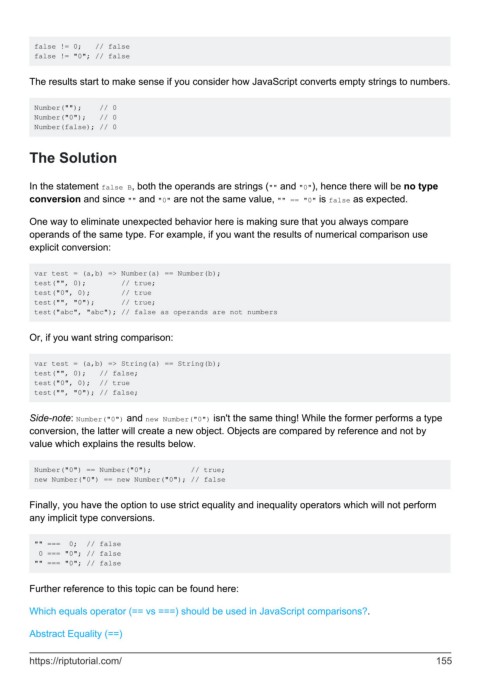
false != 0;   // false
         false != "0"; // false


        The results start to make sense if you consider how JavaScript converts empty strings to numbers.


         Number("");    // 0
         Number("0");   // 0
         Number(false); // 0


        The Solution


        In the statement false B, both the operands are strings ("" and "0"), hence there will be no type
        conversion and since "" and "0" are not the same value, "" == "0" is false as expected.


        One way to eliminate unexpected behavior here is making sure that you always compare
        operands of the same type. For example, if you want the results of numerical comparison use
        explicit conversion:


         var test = (a,b) => Number(a) == Number(b);
         test("", 0);        // true;
         test("0", 0);       // true
         test("", "0");      // true;
         test("abc", "abc"); // false as operands are not numbers


        Or, if you want string comparison:


         var test = (a,b) => String(a) == String(b);
         test("", 0);   // false;
         test("0", 0);  // true
         test("", "0"); // false;


        Side-note: Number("0") and new Number("0") isn't the same thing! While the former performs a type
        conversion, the latter will create a new object. Objects are compared by reference and not by
        value which explains the results below.


         Number("0") == Number("0");         // true;
         new Number("0") == new Number("0"); // false


        Finally, you have the option to use strict equality and inequality operators which will not perform
        any implicit type conversions.


         "" ===  0;  // false
          0 === "0"; // false
         "" === "0"; // false


        Further reference to this topic can be found here:

        Which equals operator (== vs ===) should be used in JavaScript comparisons?.


        Abstract Equality (==)


        https://riptutorial.com/                                                                             155

