


Page 173 - JavaScript
P. 173
function onFailure() {
           console.log('Value was unexpected/exceptional');
         }

         compare(true, onSuccess, onFailure);
         compare(false, onSuccess, onFailure);

         // Outputs:
         //   "Value was expected"
         //   "Value was unexpected/exceptional"


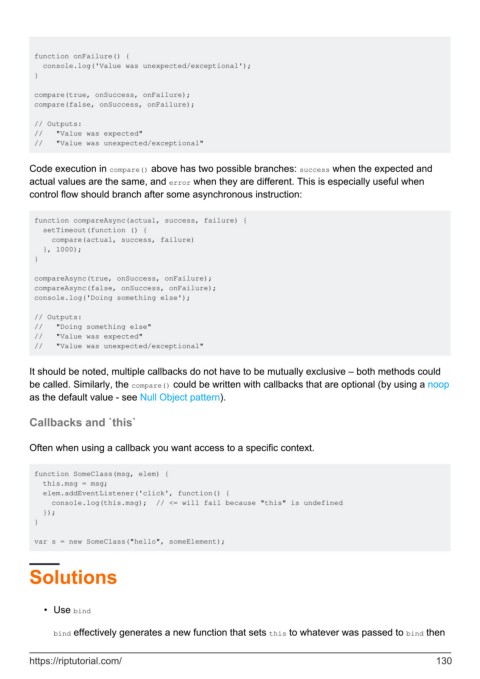
        Code execution in compare() above has two possible branches: success when the expected and
        actual values are the same, and error when they are different. This is especially useful when
        control flow should branch after some asynchronous instruction:


         function compareAsync(actual, success, failure) {
           setTimeout(function () {
             compare(actual, success, failure)
           }, 1000);
         }

         compareAsync(true, onSuccess, onFailure);
         compareAsync(false, onSuccess, onFailure);
         console.log('Doing something else');

         // Outputs:
         //   "Doing something else"
         //   "Value was expected"
         //   "Value was unexpected/exceptional"


        It should be noted, multiple callbacks do not have to be mutually exclusive – both methods could
        be called. Similarly, the compare() could be written with callbacks that are optional (by using a noop
        as the default value - see Null Object pattern).


        Callbacks and `this`


        Often when using a callback you want access to a specific context.


         function SomeClass(msg, elem) {
           this.msg = msg;
           elem.addEventListener('click', function() {
             console.log(this.msg);  // <= will fail because "this" is undefined
           });
         }

         var s = new SomeClass("hello", someElement);


        Solutions


            •  Use bind


              bind effectively generates a new function that sets this to whatever was passed to bind then


        https://riptutorial.com/                                                                             130

