


Page 172 - JavaScript
P. 172
// Do something, then execute callback to log 'done'
         doSomething(function () {
           console.log('Done');
         });

         console.log('Doing something else');

         // Outputs:
         //   "Doing something"
         //   "Done"
         //   "Doing something else"


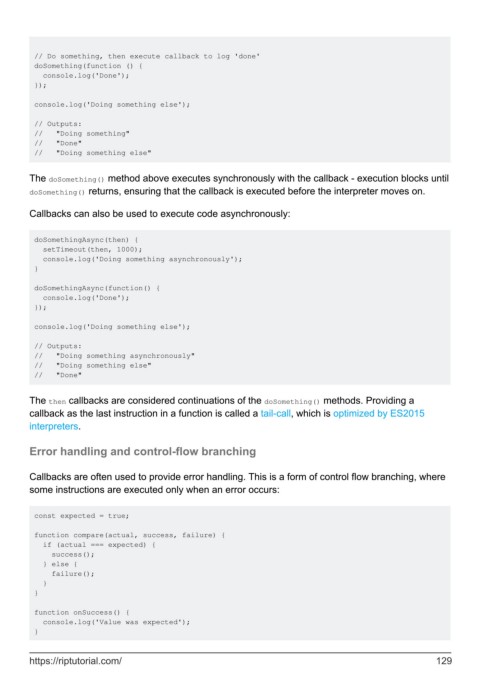
        The doSomething() method above executes synchronously with the callback - execution blocks until
        doSomething() returns, ensuring that the callback is executed before the interpreter moves on.

        Callbacks can also be used to execute code asynchronously:


         doSomethingAsync(then) {
           setTimeout(then, 1000);
           console.log('Doing something asynchronously');
         }

         doSomethingAsync(function() {
           console.log('Done');
         });

         console.log('Doing something else');

         // Outputs:
         //   "Doing something asynchronously"
         //   "Doing something else"
         //   "Done"


        The then callbacks are considered continuations of the doSomething() methods. Providing a
        callback as the last instruction in a function is called a tail-call, which is optimized by ES2015
        interpreters.

        Error handling and control-flow branching


        Callbacks are often used to provide error handling. This is a form of control flow branching, where
        some instructions are executed only when an error occurs:


         const expected = true;

         function compare(actual, success, failure) {
           if (actual === expected) {
             success();
           } else {
             failure();
           }
         }

         function onSuccess() {
           console.log('Value was expected');
         }


        https://riptutorial.com/                                                                             129

