


Page 119 - JavaScript
P. 119
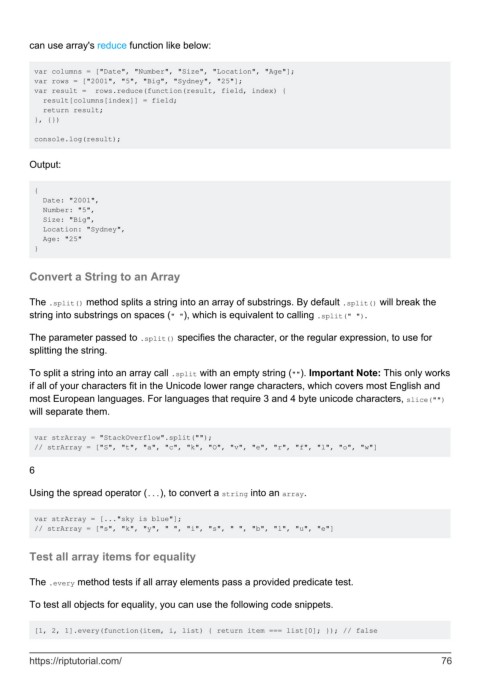
can use array's reduce function like below:


         var columns = ["Date", "Number", "Size", "Location", "Age"];
         var rows = ["2001", "5", "Big", "Sydney", "25"];
         var result =  rows.reduce(function(result, field, index) {
           result[columns[index]] = field;
           return result;
         }, {})

         console.log(result);


        Output:


         {
           Date: "2001",
           Number: "5",
           Size: "Big",
           Location: "Sydney",
           Age: "25"
         }


        Convert a String to an Array


        The .split() method splits a string into an array of substrings. By default .split() will break the
        string into substrings on spaces (" "), which is equivalent to calling .split(" ").


        The parameter passed to .split() specifies the character, or the regular expression, to use for
        splitting the string.

        To split a string into an array call .split with an empty string (""). Important Note: This only works
        if all of your characters fit in the Unicode lower range characters, which covers most English and
        most European languages. For languages that require 3 and 4 byte unicode characters, slice("")
        will separate them.


         var strArray = "StackOverflow".split("");
         // strArray = ["S", "t", "a", "c", "k", "O", "v", "e", "r", "f", "l", "o", "w"]

        6


        Using the spread operator (...), to convert a string into an array.


         var strArray = [..."sky is blue"];
         // strArray = ["s", "k", "y", " ", "i", "s", " ", "b", "l", "u", "e"]


        Test all array items for equality


        The .every method tests if all array elements pass a provided predicate test.

        To test all objects for equality, you can use the following code snippets.


         [1, 2, 1].every(function(item, i, list) { return item === list[0]; }); // false


        https://riptutorial.com/                                                                               76

